A speaker’s central takeaway
Share a clear insight with the context needed to understand it. Keep the speaker’s name and topic accurate in your publishing copy.
For Event & webinar teams · PowerCut AI
Turn recorded keynotes, panels and webinars into focused clips for your post-event content. Give useful speaker insights another place to be seen, heard and discussed.
Free plan available. Features and usage limits vary by plan.
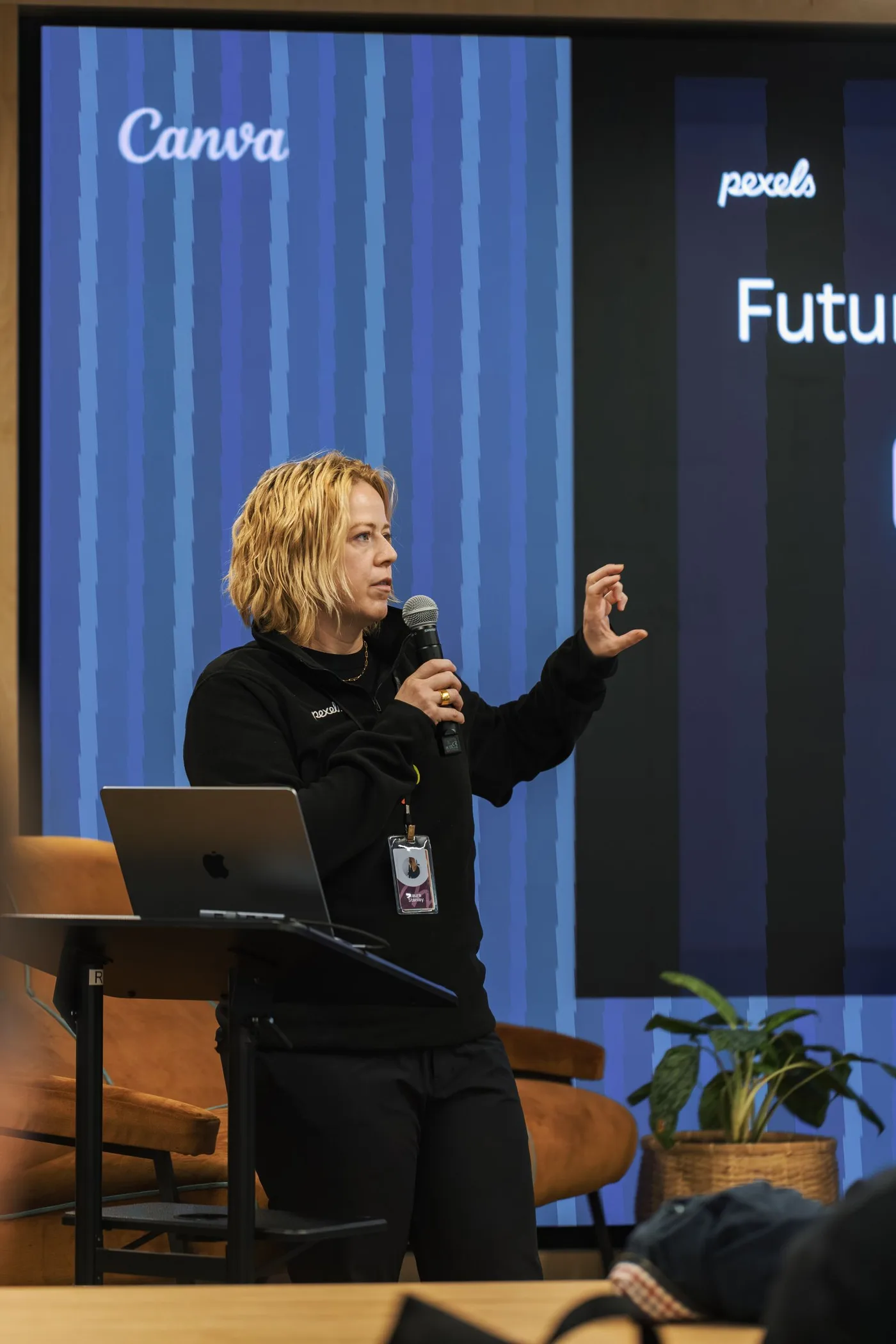
A full replay asks for a large commitment from someone who missed the session. PowerCut AI helps you extract a useful idea and finish it as a short video. Build follow-up around what the speaker actually said, with enough context to represent the session accurately.
Example content plan
Choose moments that stand on their own. These are editorial starting points, shaped by your recording and audience.
Start with
A recorded keynote, panel, webinar or audience Q&A
Share a clear insight with the context needed to understand it. Keep the speaker’s name and topic accurate in your publishing copy.
Preserve the question and the complete answer. Use it as a useful follow-up for people with the same concern.
Choose a passage that stands alone and points to a deeper session. Use your event platform or website for the replay destination.
From recording to ready
Upload a recording you can repurpose. Decide whether the clip is for attendees, people who missed the event or the next session’s audience.
Select a candidate moment, correct names and terminology, and check the crop. Keep slides or demonstrations visible when they carry the explanation.
Apply the event’s visual style and export the final clips. Complete your speaker or stakeholder review before distribution.
The tools behind the workflow
Find the relevant answer and verify the speaker’s phrasing.
PowerCut AI featureAdapt a stage recording while keeping the important speaker or visual in view.
PowerCut AI featureDeliver saved edits as MP4 files for your post-event channels.
Before your next edit
This workflow uses an uploaded recording after the session. It does not provide real-time clipping, live production or webinar hosting.
You can create short highlights from spoken sessions, panels and Q&As. This page does not promise an automated music-led montage of multiple event recordings.
Check the clip in its final frame. Use a layout that preserves the slide when it is essential, and avoid shrinking complex information until it becomes unreadable.
No. Export an MP4 for your event website or platform, or use the available connected social accounts when scheduling is supported. Event-platform integrations are not promised here.
Explore another perspective
PowerCut AI for Event & webinar teams