The guest’s defining idea
Choose a specific insight that introduces the guest’s perspective. Add the name or role only where it helps a new viewer follow.
For Podcasters · PowerCut AI
Turn a recorded episode into podcast clips that make sense before someone knows your show. Find the story, keep the exchange intact and finish it for a smaller screen.
Free plan available. Features and usage limits vary by plan.
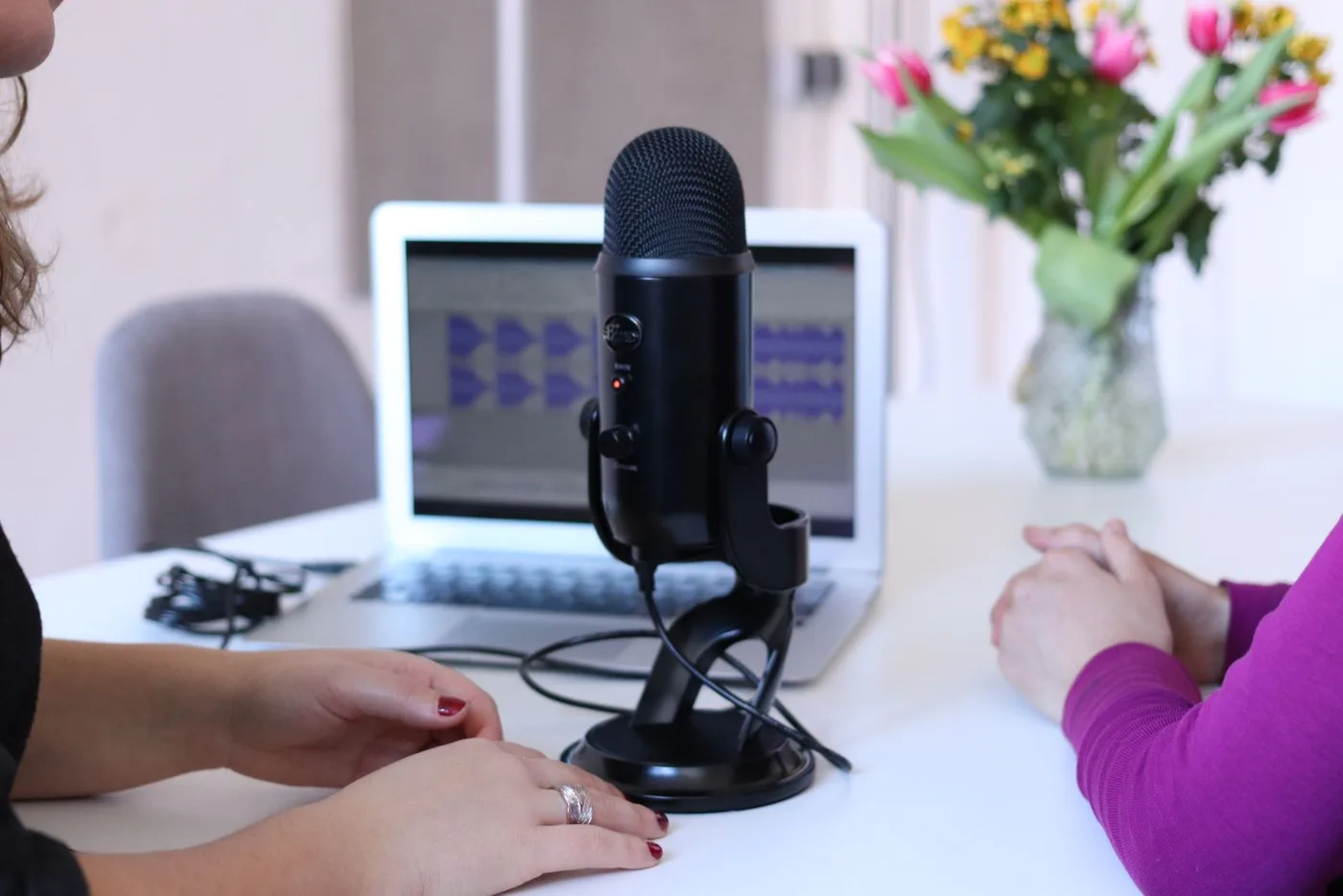
A great podcast moment can start halfway through an answer. Cutting there may lose the question that makes it interesting. PowerCut AI helps you find candidate moments and navigate the transcript so you can preserve the setup, the response and the payoff—not just the loudest sentence.
Example content plan
Choose moments that stand on their own. These are editorial starting points, shaped by your recording and audience.
Start with
A recorded video podcast episode
Choose a specific insight that introduces the guest’s perspective. Add the name or role only where it helps a new viewer follow.
Keep enough of the question to frame the response. Trim repetition while leaving the meaning and tone intact.
Find a brief anecdote with a beginning and a payoff. Make the clip worthwhile even if the viewer has not heard the episode.
From recording to ready
Start with clear video and speech. Select the frame that suits your intended post.
Read the Storyline and replay the suggested moment. Adjust the cut so neither speaker’s point depends on something you removed.
Add captions, review speaker framing and save the edit. Export for posting and point viewers to the full episode in your publishing workflow.
The tools behind the workflow
Find the passage and check what came before it in the conversation.
PowerCut AI featureUse crop controls or supported two-speaker layouts to keep the exchange visible.
PowerCut AI featureMake names and key phrases readable, with a consistent show style.
Inside PowerCut AI
Readable captions help your ideas travel with the clip. Choose a style preset, then refine the font size, spacing and colour to suit your footage. Check names and specialist terms before you export.
Explore auto captions ↗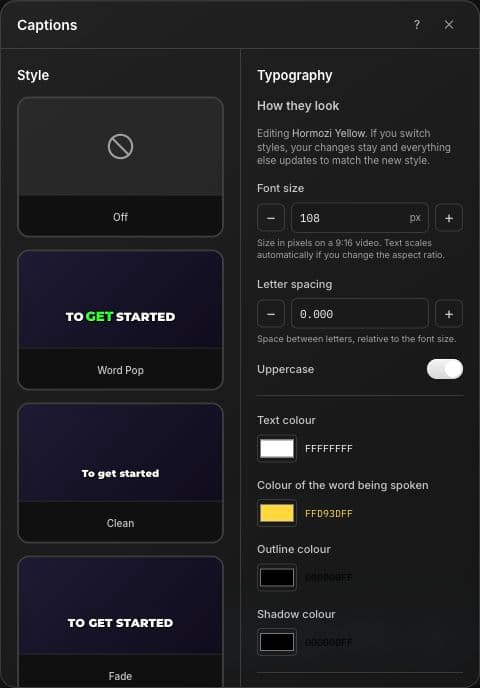
Before your next edit
This workflow is designed for video recordings. If your podcast is audio-only, prepare a video version in your existing production workflow before uploading it; this page does not promise automatic audiogram creation.
Speaker split and picture in picture are available for supported plans and clips with two detected speakers. Run speaker analysis when prompted, then review the framing.
Spotify is not one of the social publishing integrations described here. Export an MP4 and use Spotify for Creators separately if your episode and clip meet its current requirements.
Clips can introduce the show, but full-episode listening is not guaranteed. Track how viewers respond and use each platform’s analytics to assess the path from clip to episode.
Explore another perspective
PowerCut AI for Podcasters