An expert’s useful insight
Choose a clear point of view that names a problem your audience recognises. Let the idea lead before introducing the product.
For Marketing teams · PowerCut AI
Turn webinars, customer interviews and product conversations into focused social videos. Give each clip a job in the campaign, without starting every post with another recording brief.
Free plan available. Features and usage limits vary by plan.
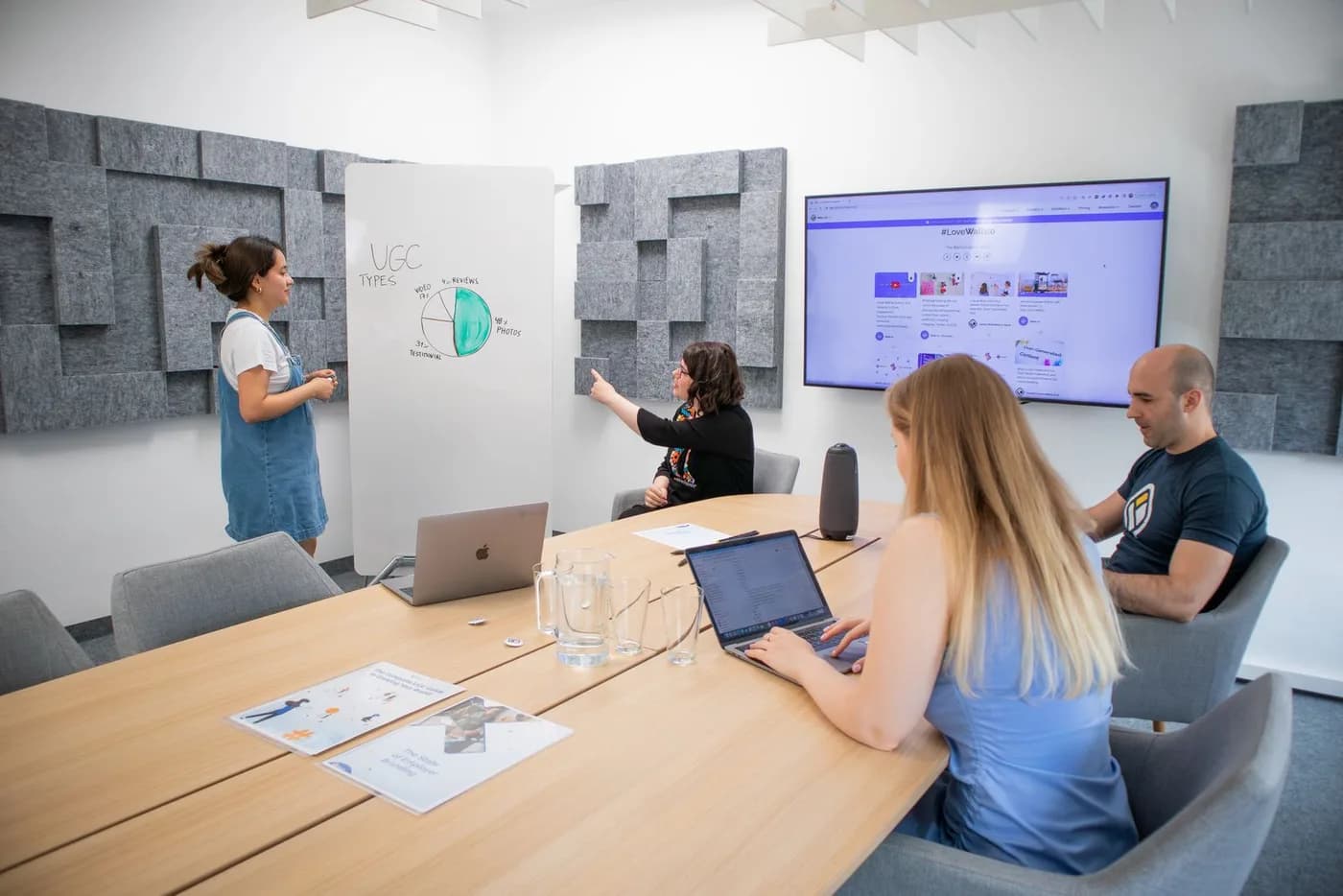
The webinar replay, customer story and product demo each contain moments for different stages of a campaign. PowerCut AI helps you find and finish short clips from those recordings. Your team decides which buyer question each clip answers and where it belongs in the campaign.
Example content plan
Choose moments that stand on their own. These are editorial starting points, shaped by your recording and audience.
Start with
A webinar, product discussion or customer interview
Choose a clear point of view that names a problem your audience recognises. Let the idea lead before introducing the product.
Extract a response to a common objection or a small demonstration. Keep the evidence or qualification that makes the answer credible.
Share a strong passage from the recording with a relevant next step, such as watching the replay or exploring a related resource.
From recording to ready
Choose a recording and identify who the clip is for. A product evaluator needs a different passage from someone hearing about the topic for the first time.
Review candidate clips, refine the hook and correct captions for product names. Keep any important qualifiers in the speaker’s answer.
Apply the brand kit, review the crop and export. Use your existing review process before posting; schedule to available connected accounts when supported.
The tools behind the workflow
Before your next edit
Yes. Upload the recording, review candidate moments and finish each clip for its intended audience. Check that slides, charts and product screens remain legible after reframing.
You can export clips for your marketing workflow and review them for the intended placement. PowerCut AI does not buy ads, run campaigns or guarantee ad performance.
This solution focuses on producing and preparing video clips. Measure leads, attribution and revenue in your existing analytics and marketing systems.
Use your existing review and approval process for finished exports. This page does not promise shared editing seats, approval queues or role-based client access.
Explore another perspective
Create branded short-form deliverables from client recordings.
Build a brandShare your perspective through focused clips from interviews and talks.
Share expertiseGive recorded sessions a second life through speaker and Q&A clips.
PowerCut AI for Marketing teams